How to Stop Struggling Over Website Photos with an AI Website Builder
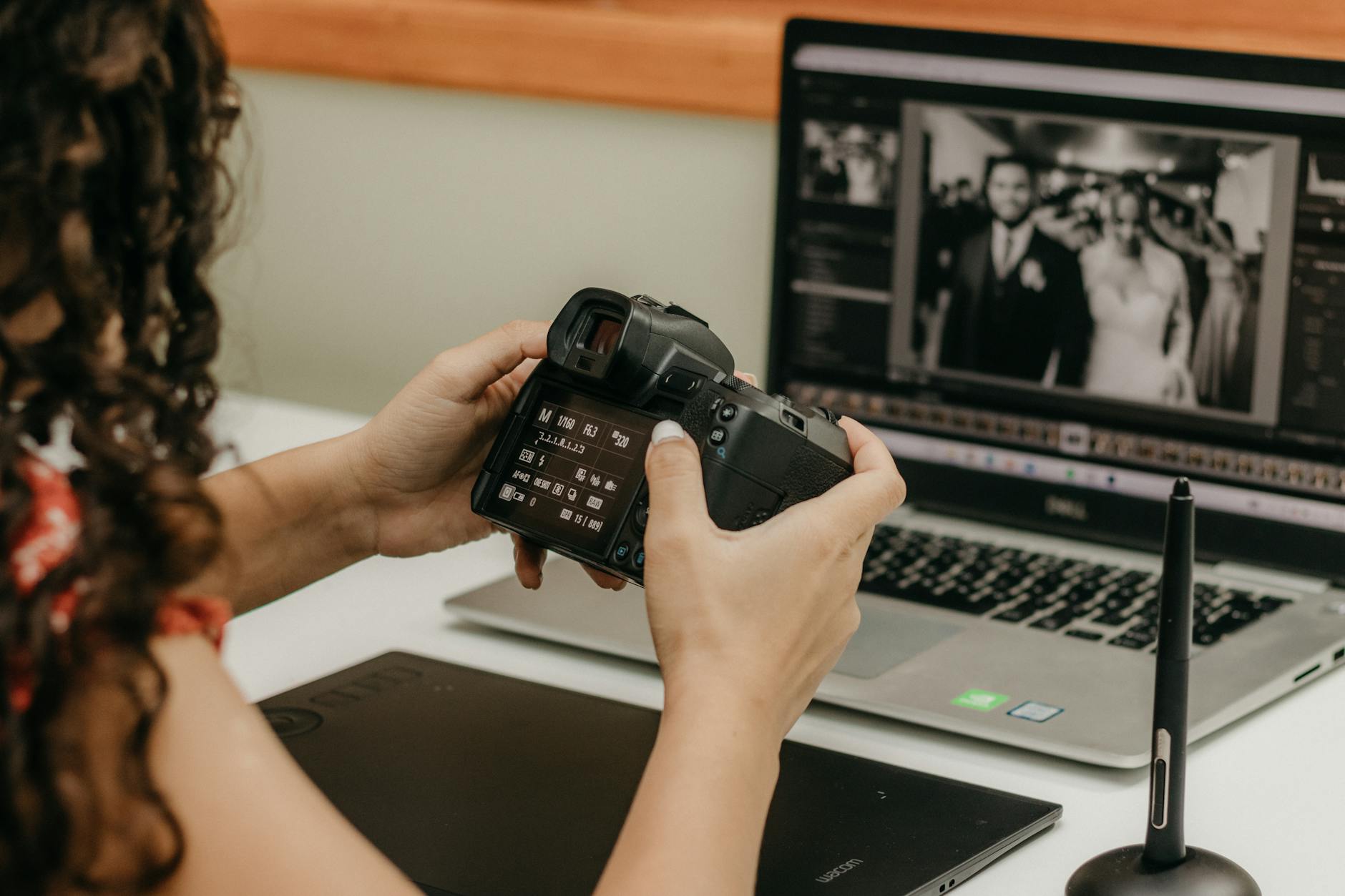
Photo: Kawê Rodrigues · Pexels
When building a website, compelling imagery is just as important as the copywriting in capturing people's attention. Yet, when you open the editor, you often pause for a long time, wondering what photos to include. This happens because high-quality personal photos are scarce, or it is hard to find visuals that perfectly match your industry's vibe.
Basic Principles for Filling Visuals That Match Your Industry Vibe
To let visitors instantly grasp what your business is about within three seconds of landing on your site, your overall tone and manner must remain consistent. A cafe needs a warm and cozy feel, while a tech or professional service requires clean, trustworthy color palettes and layouts. Because a single photo defines your brand impression, selecting visuals aligned with your industry's grain proves much more advantageous than opting for randomly flashy pictures.
However, searching through stock images individually and checking copyright licenses involves tedious and time-consuming tasks. Utilizing built-in features within an AI website builder significantly reduces your overall workflow duration.
Steps to Utilize the Photo Library in an AI Website Builder
Using a tool like ROYJU greatly reduces visual concerns right from the initial site creation phase. The concrete workflow implemented during actual tasks proceeds as follows:
- Specify your desired style (minimal, cinematic, warm, etc.) when entering the initial prompt.
- Click the section requiring replacement on the finished layout and enter the photo library.
- Quickly locate high-resolution images suited to your industry through the internal search function.
- Generate custom scenes directly in your mind using the AI image generation feature if necessary.
- Upload and immediately place any personally owned photos saved on your computer.
Tips for Harmoniously Arranging Original and AI Images
Blending actual store or product photos rather than filling every space with purely artificial AI images helps build higher trust. We recommend placing striking stock images on the main screen background or atmosphere-driven sections, while reserving personally captured photos for detailed services, genuine customer reviews, or work portfolios.
| Category | Photo Library Usage | AI Image Generation | Direct Upload |
|---|---|---|---|
| Primary Purpose | Overall Mood Setting | Original Visual Effects | Real Products & Store Showcase |
| Advantages | Time-saving, High Quality | Custom Concept Realization | Trust Boost, Real-world Presence |
Final Checklist Points to Complete Your Visuals
Once photo placement finishes, check via the admin preview to see if images crop correctly on mobile screens. A layout looking stunning on a PC might crop out key subjects on a smartphone. For sophisticated visual setups combined with Google Search Console optimization, try taking your first step effortlessly via AI Website Builder. Detailed information on pricing plans and features is available on the Pricing Page.
FAQ
Can I use the images in the photo library without copyright worries?
Yes, the photo library and AI image features provided within the builder are structured for safe commercial use. However, directly uploaded photos must be materials for which you hold the rights or have received permission to use.
How do I fix images that appear broken or distorted when accessed on a smartphone?
Check the mobile-view specific settings through the admin screen or agent chat, and adjust the photo ratios or dimensions so they naturally align with each device screen size.
What should I do if the photo library does not have the exact style I want?
Use the AI image generation feature to request your desired shape and color palette via text prompts, allowing you to instantly generate and apply a unique visual to your site.
Put it into practice
Describe what you need and your website is ready in minutes, with blog marketing running every day.